
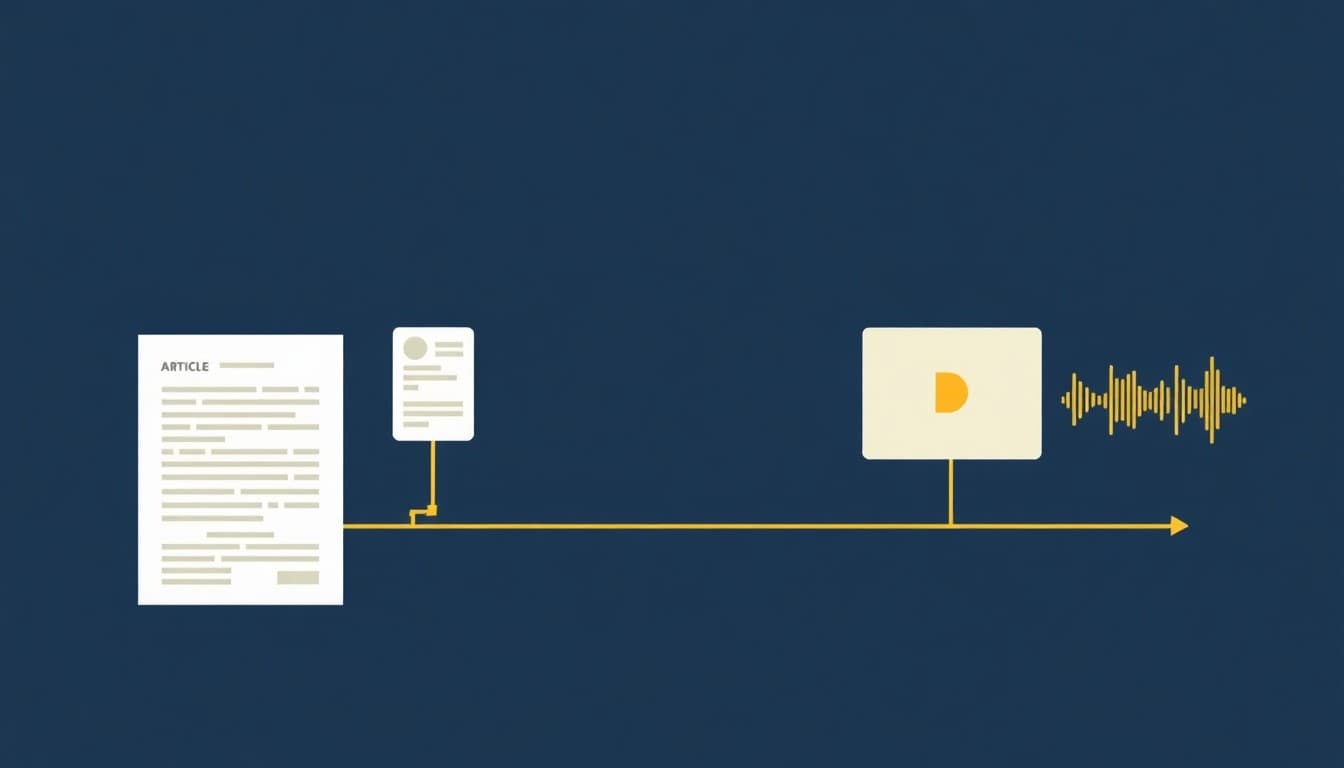
Automated content creation is the use of AI to generate, repurpose, and distribute content across formats — text, images, video, and audio — with minimal manual effort, and it can cut content production time by up to 80%. The meaningful shift in 2026 is that the best tools no longer stop at drafting: they handle research, design, multi-format repurposing, and publishing in one pipeline, so teams stop losing hours to handoffs between apps. Which tool you pick depends entirely on whether you need one format done well or an end-to-end production line.
Key takeaways
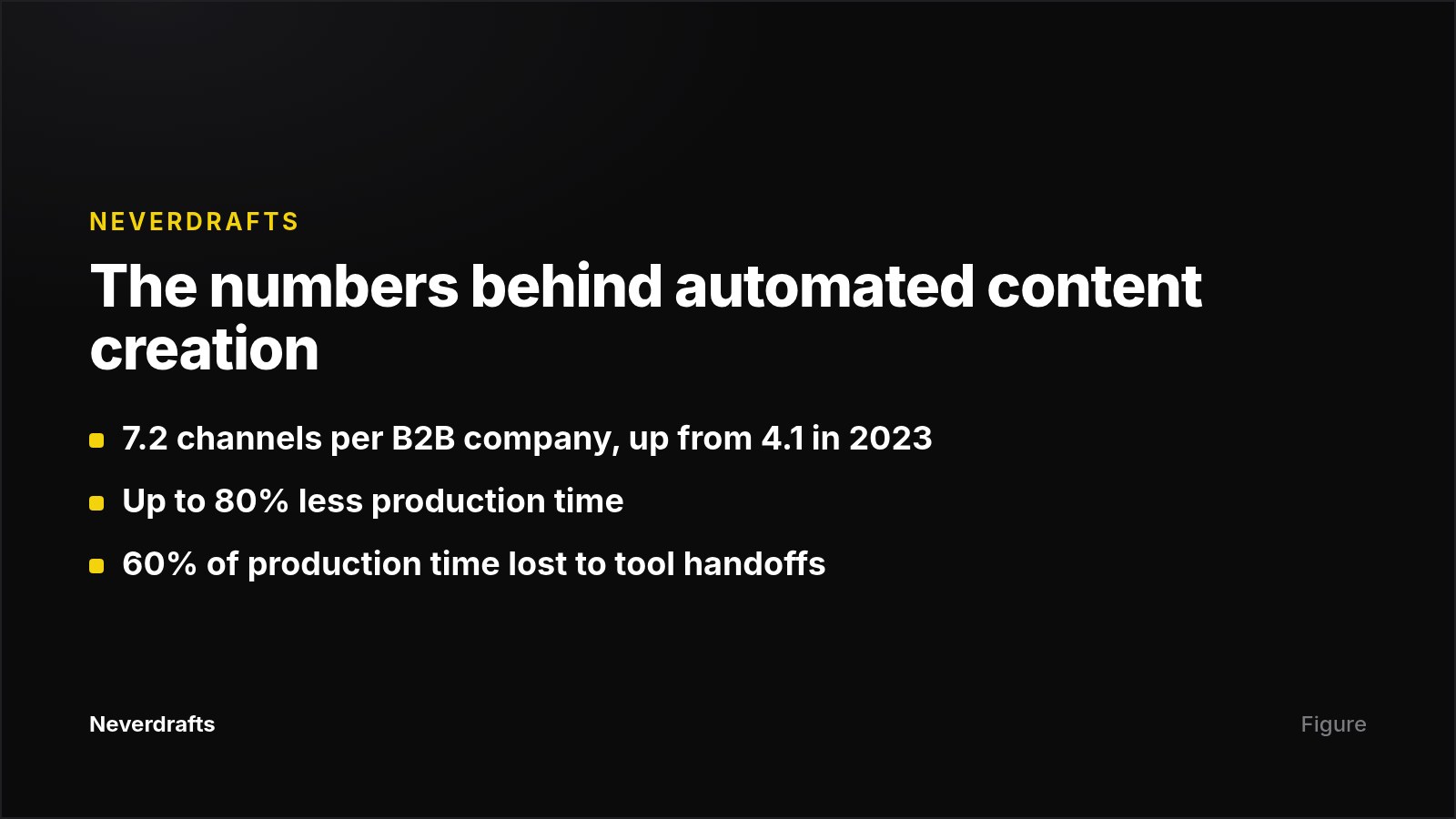
- The average B2B company now publishes across 7.2 channels simultaneously, up from 4.1 in 2023 — demand, not ambition, is what pushed automation into standard practice.
- Teams running 4-6 separate AI tools spend 60% of content production time on coordination and handoffs between those tools, which is where most of the promised time savings disappear.
- Automation reduces production time by up to 80%, but output quality tracks input quality: most tools produce content that needs a quick review and light editing before publishing.
- Brand voice is the clearest differentiator in text tools. After uploading a 10-page style guide, Jasper matched brand tone 85% of the time without manual editing.
- Generation-only tools relocate manual work rather than remove it: Jasper is text-only and does not publish, schedule, or distribute what it writes.
- Entry pricing ranges widely: Opus Clip at $15/mo, Canva at $12.99/mo, Synthesia at $22/mo, Copy.ai at $36/mo, Jasper at $39/seat/mo.
What is automated content creation, exactly?
Automated content creation is the use of AI and machine learning to generate, optimize, and distribute content across channels — spanning written copy, visual assets, video, and interactive experiences at scale. Under the hood, these systems combine GPT-based models for text, diffusion models for images, and neural networks for video, plus machine learning for optimization.
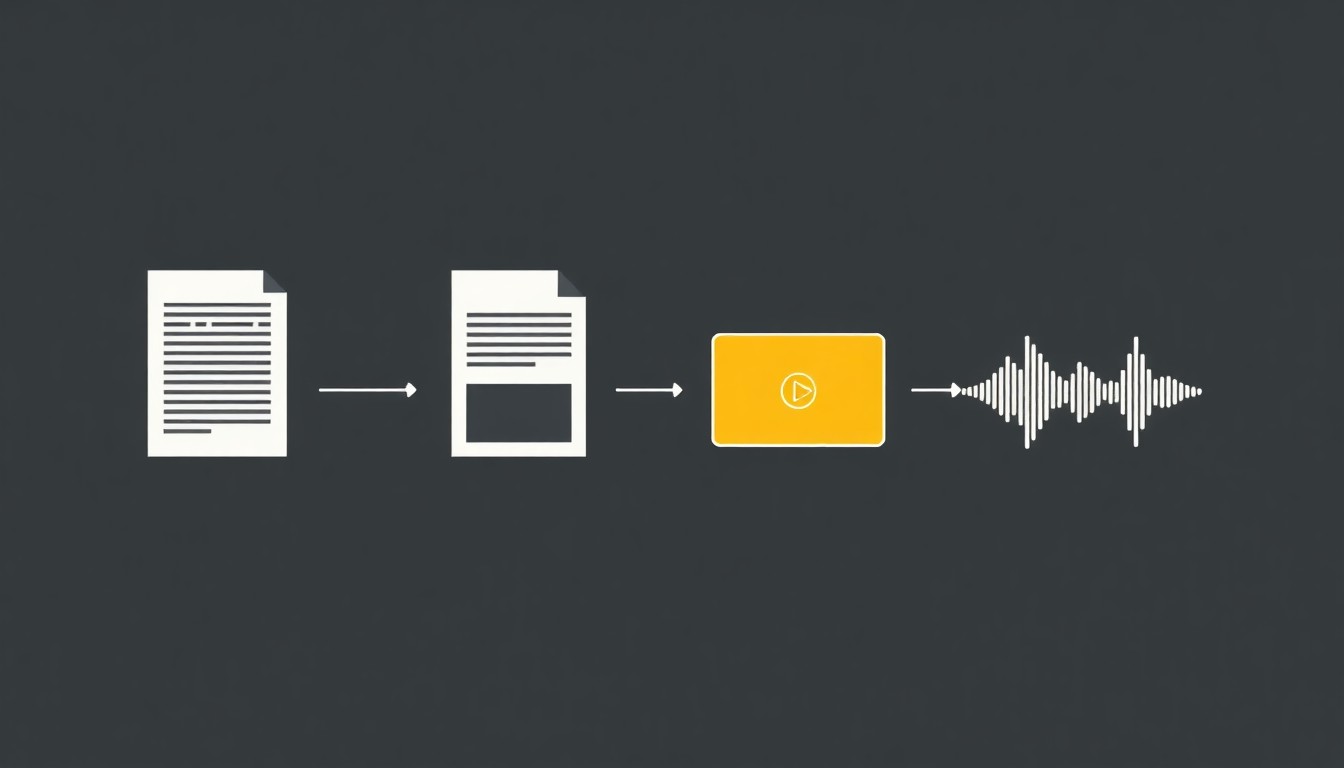
The workflow layer matters as much as the generation layer. An automated content system typically uses natural language processing and machine learning to predict which topics and phrasing will earn engagement, drafts the material, and then adapts the same source into articles, short posts, and social video, with analytics feeding back on engagement patterns, SEO rankings, and conversion trends. That is the line between an AI writing assistant, which produces a draft, and an automated system, which triggers on an event, produces the asset, routes it for approval, and publishes it.
Why did automated content creation become a priority in 2026?
Because channel count outgrew team capacity. Publishing across 7.2 channels is arithmetic no amount of effort solves, and automation lets companies scale output without proportionally increasing their workforce.
The second driver is tool sprawl. Teams that still treat AI as a writing assistant end up stitching together four to six products and burning 60% of production time on coordination rather than creation. That is why the evaluation question has changed from "can it generate a blog post?" to "can it take one source document and produce a complete package across every format my audience consumes?"
Which automated content creation tools do what?
Tool choice follows content format. A five-week test of seven platforms across blog-to-social repurposing, research-to-content pipelines, and multichannel campaign production found that the best tool depends on whether you need one format or an end-to-end pipeline.
| Tool | Best for | Starting price | Content types | Cross-platform reach |
|---|---|---|---|---|
| Jasper | Brand-consistent marketing copy | $39/seat/mo | Text (blog, social, ads, email) | Limited (Jasper ecosystem) |
| Canva | Visual content + design automation | $12.99/mo | Images, presentations, short video | Moderate |
| Sai by Simular | Full cross-platform production | Free trial | Text, images, video, audio, design | Full (any app) |
| Copy.ai | Sales and GTM content workflows | $36/mo | Text (email sequences, social, blog) | Moderate (CRM integrations) |
| Synthesia | AI video with avatars | $22/mo | Video with avatars + voiceover | Limited (video export) |
| Descript | Audio/video editing + repurposing | $24/user/mo | Video, audio, transcription, clips | Limited (media editing) |
| Opus Clip | Short-form video from long-form | $15/mo | Short clips (TikTok, Reels, Shorts) | Limited (short video) |
Beyond these, image generation runs through Midjourney and DALL-E 2, text-to-video through Runway Gen-2, and interactive demos through Storylane's Lily. Note that source pricing for Synthesia differs — one review lists $22/month, another $18/month — so check current plans before budgeting.
The glue layer: no-code automation
Point tools generate; automation platforms connect. Activepieces offers 450 pre-built integrations, called "pieces," linking services like OpenAI, Perplexity AI, ElevenLabs, Claude, Airtable, and WordPress. Typical flows: add a topic to Google Sheets and trigger an SEO blog draft saved to WordPress for review, or detect a new article and repurpose it into social posts and an ElevenLabs audio clip. The platform also supports conditional branching, retries, human-in-the-loop approval pauses, and holds SOC 2 Type II certification.
On the distribution end, marketing platforms including HubSpot, ActiveCampaign, and Ontraport now offer native integrations with AI content tools, which is what lets CRM data drive content personalization.
How do you actually set up an automated content workflow?
Start narrow. The practical sequence is: pick one content format that is either time-consuming or easy to systematize, choose a tool that fits, set up templates or prompts, define your inputs, then integrate it into your regular process and refine.
A workable checklist:
- Choose the format with the worst time-to-value ratio. Weekly social repurposing and short video clips are usually the easiest wins.
- Define the input. A research paper, a call transcript, an existing blog post, or a row in a spreadsheet — automation needs a trigger and a source.
- Build the brand-voice layer first. Upload a style guide or examples before you scale volume; this is what separates usable drafts from rewrites.
- Add a human approval step. Workflows that pause for approval before publishing prevent the failure mode where errors ship automatically.
- Wire in publishing. Generation without distribution just relocates the manual work.
- Measure, then adjust inputs. Track engagement, rankings, and conversions, and treat poor performance as an input problem before blaming the model.
Step five is the one most teams under-build. At Neverdrafts, we automate a narrow slice of it: we monitor which prompts in ChatGPT and Claude recommend competitors instead of you, auto-generate articles targeting those prompts, and publish them to WordPress, Webflow, Shopify, Framer, or an API endpoint — then track AI crawler visits to the published pages. If your automation goal is AI-search visibility rather than social volume, that loop is the part worth automating end to end.
Where does automated content creation still fail?
It fails wherever the input is thin or the output goes unchecked. Accuracy and quality depend on input quality: most tools produce solid material from good prompts, templates, or data, but almost nothing arrives publish-ready without a review pass.
Concrete limits worth planning around:
- Editing time is real. Even the strongest text tool tested produced first drafts needing 20-30 minutes of human editing per long-form piece.
- Brand voice is good, not perfect. An 85% tone match still leaves roughly 15% of output needing a human pass.
- Format silos create handoffs. Text-only tools force separate steps for images, video, and audio, which reintroduces the coordination tax.
- ROI evidence is thin. Vendor material talks about measurable results and conversion trends without publishing benchmarks, so set your own baseline before you scale.
Automation also does not decide what is worth saying. The consistent framing across reviews is that these systems free time for strategy and storytelling, while human editors refine the material to match brand voice.
Next step
Pick the single format where your team loses the most hours, automate that one, and measure output quality for two weeks before adding anything else. If the format you care about is search-visible articles, Neverdrafts runs the monitor-generate-publish-verify loop for AI search, starting at $99/mo on the Starter plan (up to 50 tracked prompts daily and 30 articles a month), with $1 three-day full access to test it first.
Frequently asked questions
How do I start automating content creation?
Pick one content format that is either time-consuming or easy to systematize, then choose a tool that fits that format. Set up templates or prompts, define your inputs, and integrate the workflow into your existing process, refining as you go.
How good is AI-generated content without editing?
Quality tracks input quality. Most tools produce high-quality output from solid prompts, templates, or data, but content is rarely perfect immediately — a quick review and light editing is what takes it from good to publishable.
Does automated content creation replace writers?
The available evidence describes automation as shifting where human time goes, not eliminating it: it reduces manual steps and frees time for strategy and storytelling, while human editors refine material to match brand voice. Published reviews focus on team productivity gains and do not report data on hiring changes or freelance displacement, so treat claims either way with caution.
What does automated content creation cost?
Entry pricing spans roughly $13-$40/month, per account or per seat depending on the tool — see the comparison table above for each platform. One caveat: Jasper's Brand Voice and Campaign features require the $59/seat Business tier rather than the $39 entry plan.
How many tools do I actually need?
Fewer than most teams run. Either consolidate into a platform that covers all the formats you publish, or use a no-code automation layer — Activepieces lists 450 pre-built integrations — to connect the tools you keep, so the handoffs happen automatically instead of manually.