
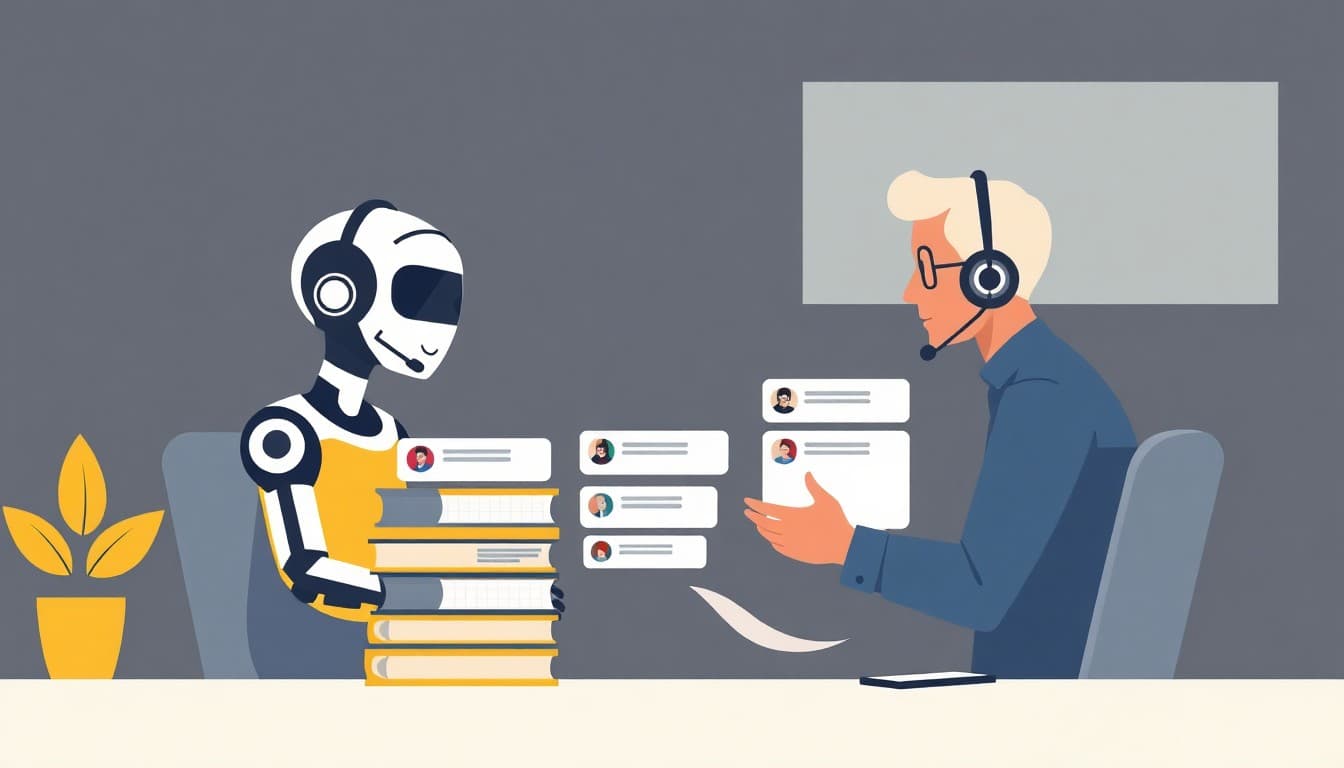
AI customer service tools answer routine questions, route conversations, analyze sentiment and coach human agents in real time. For small teams on a budget, the best starting points are free tiers from Tidio, Help Scout and Zoho Desk. Product-led companies tend to pick Intercom, B2B teams Pylon, and phone-heavy businesses Nextiva XBert. Contact centers focused on QA and agent coaching should look at Level AI, and teams that want a fully managed setup priced per resolution should look at Crescendo.ai.
Key takeaways
- Most modern platforms assist human agents rather than replace them. They pair customer-facing bots with knowledge bases, analytics and handoff to people (Pylon, Nextiva).
- "Free AI" often means a free helpdesk plus a temporary AI pilot: Help Scout's AI Answers is only a 3-month trial, and Tidio's 50 Lyro AI credits are one-off, not monthly.
- Free plans are good enough to test with. Zoho Desk gives 3 agents free, and Help Scout gives 5 users free.
- Pricing models differ a lot: per seat (Intercom from $29), per resolution (Crescendo.ai at $1.25), or a custom quote (Pylon). Level AI's pricing isn't published in the sources reviewed.
- Several "best of" lists rank the publisher's own product first: Level AI, Crescendo.ai, Pylon and Nextiva all do this, and eesel is also an AI support vendor. Treat these as vendor perspectives, not neutral benchmarks.
What can AI customer service tools actually do?
Level AI's guide lists five core use cases:
- Resolving repetitive queries or drafting replies for agents.
- Surfacing the right answer or policy during a live call.
- Generating call summaries and next steps.
- Evaluating agent compliance and flagging coaching opportunities.
- Analyzing conversations across channels to spot trends.
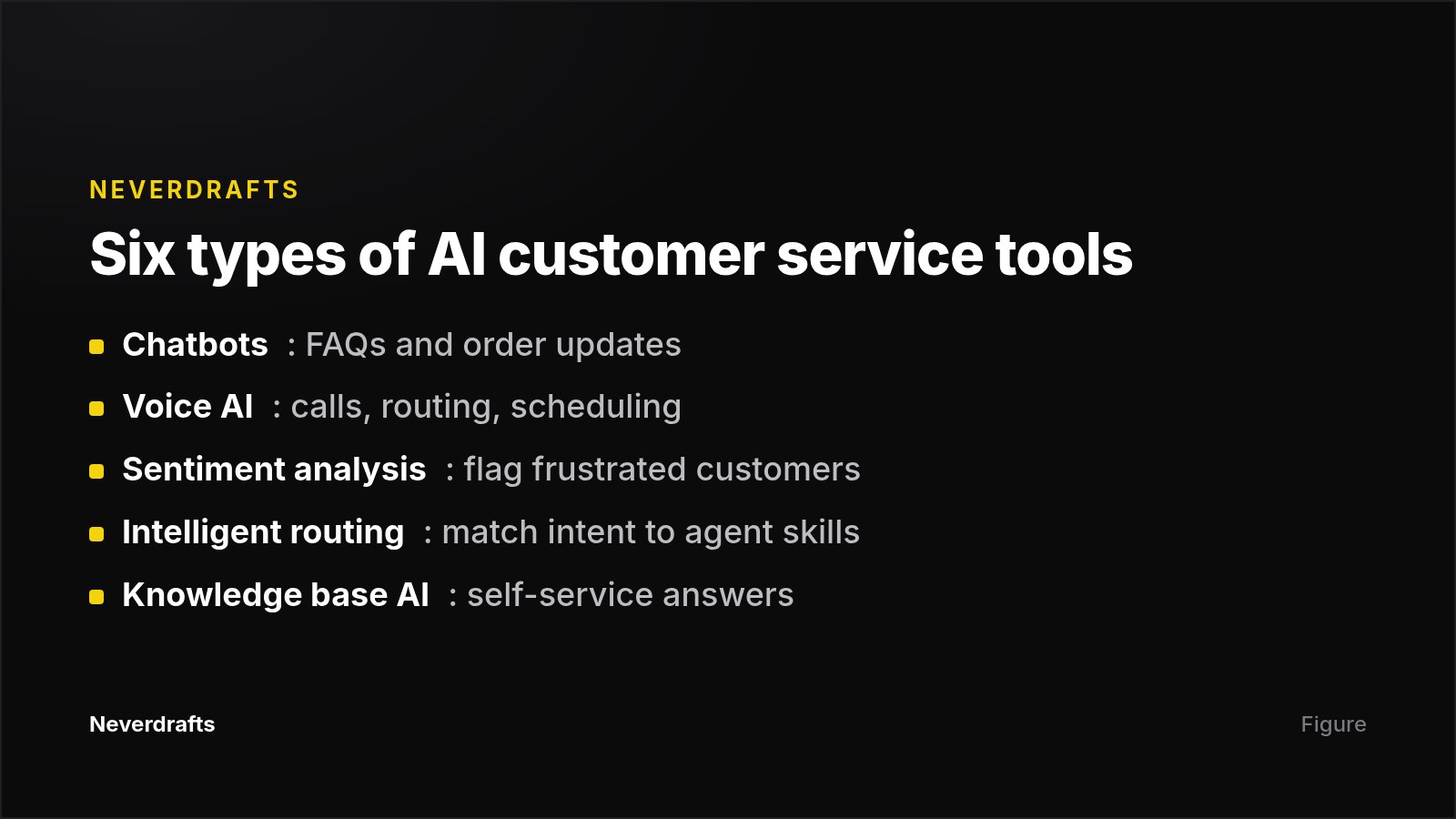
Nextiva groups the tools by function: chatbots, voice AI, sentiment analysis, intelligent routing, knowledge base AI and agent assist. Knowing which of these jobs you need matters more than any ranking.
Quick comparison of the top AI customer service tools
| Tool | Best for | Standout feature | Pricing (from sources) |
|---|---|---|---|
| Tidio | SMB live chat and ecommerce | Lyro AI agent | Free tier; paid from $24.17/mo (annual) |
| Help Scout | Small teams with a shared inbox | AI Answers trial, Docs site | Free for 5 users; paid from $25/user/mo (annual) |
| Zoho Desk | Zoho ecosystem users | Email ticketing plus knowledge base | Free for 3 agents; paid from $7/user/mo |
| LiveChatAI | A dedicated AI chatbot | 500K training characters free | Free tier; paid from $39/mo |
| Intercom | Product-led companies | Fin AI chatbot | From $29/seat (Essential) |
| Pylon | B2B support teams | AI Copilot knowledge base | Custom pricing |
| Level AI | Contact center QA and coaching | Automated QA plus agent assist | Not listed |
| Crescendo.ai | Fully managed, multilingual CX | 50+ languages, done-for-you deployment | $1.25/resolution plus monthly fee |
| Nextiva XBert | Phone-heavy businesses | AI receptionist | Nextiva from $15/mo |
Tidio: best free option for live chat and ecommerce
Tidio combines live chat, chatbot flows and its Lyro AI agent for automating common inquiries. Eesel's testing places it as the pick for live chat and lead generation.
- Free tier: 50 billable conversations a month, 100 Flows visitors a month, and 50 one-off Lyro AI credits.
- Upgrade: from $24.17/month, billed annually.
- Limitation: the AI credits are one-off rather than monthly, so ongoing AI automation needs a paid plan.
Help Scout: best for small teams sharing an inbox
Help Scout is a shared inbox with AI drafts, a chatbot and a Docs knowledge base. Crescendo describes it as suited to small and mid-sized businesses.
- Free plan: 5 users, 1 inbox, 1 Docs site capped at 10 articles, and 100 contacts a month (eesel).
- AI: AI Answers comes as a 3-month trial, not a permanent feature of the free plan.
- Upgrade: from $25/user/month, billed annually.
- Limitation: 10 help articles is thin for self-service, and once the trial ends you will likely need to pay for AI Answers.
Zoho Desk: best low-cost ticketing for Zoho users
Zoho Desk has the lowest per-user paid price in this round-up, at $7/user/month billed annually. Its free plan includes 3 agents, email ticketing, a private knowledge base and mobile apps.
- Best fit: businesses already using Zoho's other apps.
- Limitation: the free knowledge base is private, so it supports agents rather than customer self-service.
LiveChatAI: best for a standalone AI chatbot
LiveChatAI suits teams that mainly want a trained chatbot rather than a full helpdesk. Its free tier includes 1 chatbot, 250 message credits a month, 500K training characters and human handoff. Paid plans start at $39/month.
- Limitation: 250 messages a month caps real traffic quickly. Treat the free tier as a pilot.
Developers who want to prototype their own bot can also try Google AI Studio's free Gemini access, rate-limited to roughly 50 messages a day.
Intercom: best for product-led companies
Intercom is built around its Messenger for real-time chat. Its AI assistant, Fin, deflects basic questions using your knowledge base and product data.
- Pricing: from $29 per seat on the Essential plan. Higher tiers require a quote.
- Limitation: Pylon's review notes a complex setup for smaller teams. Pylon is a competitor, so weigh that point accordingly.
Pylon: best for B2B support teams
Pylon is built specifically for B2B. Its AI Agents route issues, answer from knowledge base content, collect initial information and gather internal context. They also abstain from tasks where they lack confidence. The Copilot feature drafts knowledge base articles from resolved issues or Slack threads, and it warns you before you duplicate an existing article.
- Pricing: custom, and you need to book a demo to get a quote.
- Limitation: by Pylon's own account, it is only suited to B2B use cases. The source is Pylon's blog.
Level AI: best for contact center QA and agent coaching
Level AI focuses on contact centers, covering both voice and digital channels. Its capabilities span real-time agent support, automated QA, Voice of the Customer analytics, sentiment analysis and AI virtual agents. The platform analyzes every conversation, which gives teams 100% QA coverage instead of sampling a few calls.
- Best fit: teams whose main problem is agent performance and compliance, not ticket deflection.
- Limitation: no public pricing appears in the sources. The "best tool" ranking comes from Level AI's own blog.
Crescendo.ai: best for a fully managed, multilingual setup
Crescendo.ai bundles AI support across chat, voice, SMS and email in 50+ languages. Deployment, integrations, white-labeling, maintenance and QA are handled by its own team. It also generates CSAT scores automatically from conversation sentiment, so it does not depend on survey responses.
- Pricing: $1.25 per resolution plus a fixed monthly charge for deployment and maintenance.
- Limitation: per-resolution pricing rewards success but makes cost scale with volume. Model your monthly ticket count before signing.
Nextiva XBert: best for phone-first businesses
Nextiva combines its XBert AI receptionist, contact center AI and human agents in one platform. XBert captures leads and books appointments, which suits service businesses that receive many calls. Nextiva plans start at $15/month.
- Limitation: the sources give few details on XBert's specific features. Nextiva's ranking of itself first comes from its own blog.
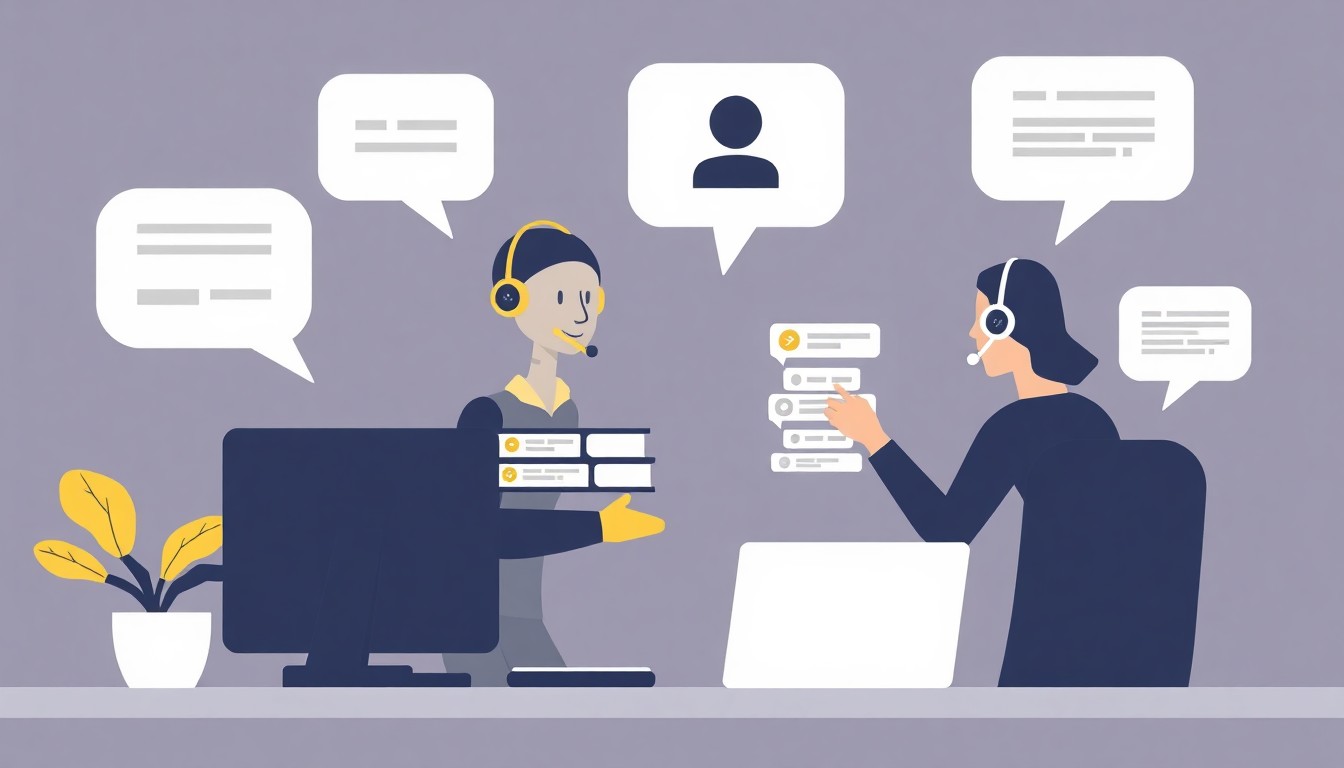
How to choose the right AI customer service tool
The sources converge on a few criteria:
- Channel match. Chat-first shops fit Tidio or Intercom. Call-heavy teams need voice AI such as Nextiva XBert or Level AI.
- Handoff quality. The AI should pass full context to a human so customers never repeat themselves.
- Integrations. Check connections to your CRM, knowledge base, order management and ticketing, plus API access for custom work.
- Understanding and sentiment. Look for natural language understanding that handles typos and slang, plus emotion detection that escalates frustrated customers.
- Setup effort. Eesel prioritized no-code tools a regular person could run in an afternoon.
- Growth path and measurable outcomes. A free tier should lead to a sensible paid plan, and you should track CSAT, average handle time and first-contact resolution before and after rollout.
A practical sequence: start on a free tier, automate your top five repetitive questions, measure time saved, then use that data to justify a paid plan. For context on how peers are adopting these tools, see our breakdown of AI adoption rates for small business.
Frequently asked questions
Will AI replace human customer service agents?
Not in the platforms reviewed here. Vendors from Pylon to Nextiva position AI as a way to handle repetitive questions, draft replies and summarize calls. Humans take complex or emotionally sensitive cases. Good tools are designed around escalation, handing a conversation to a person when the AI lacks confidence or detects frustration. The realistic goal is fewer routine tickets per agent, not zero agents.
What is the best free AI tool for customer service?
It depends on your main channel. Tidio suits live chat and ecommerce, with 50 conversations a month free. Help Scout suits small teams needing a shared inbox, with 5 users free. Zoho Desk suits email ticketing, with 3 agents free. LiveChatAI suits teams that want a standalone chatbot. All four have permanent free tiers rather than short trials, according to eesel's testing.
How much do AI customer service tools cost?
See the comparison table above for entry pricing across all nine tools. Broadly, per-user helpdesk pricing starts around $7 to $39 a month, while managed or enterprise platforms use per-seat, per-resolution or custom-quote models.
Which metrics show whether AI support is working?
The most commonly cited metrics are CSAT, average handle time (AHT) and first-contact resolution, with some teams also tracking NPS and Customer Effort Score (Level AI, Crescendo.ai). Capture a baseline before rollout, then compare after a few weeks. Crescendo.ai estimates CSAT automatically from conversation sentiment, which helps when few customers fill out surveys.
Are AI customer service tools secure enough for regulated industries?
The sources say little about HIPAA, SOC 2 or GDPR. Nextiva lists security as one of its evaluation criteria but gives little detail per tool. If you work in healthcare, finance or another regulated field, ask each vendor directly for compliance documentation and which AI models process your customer data before you sign.
Sources
- I tested dozens of options to find the 5 best free AI tools for customer service | eesel AI
- Best AI tools for customer support in 2026 | Level AI
- 10 Top AI Tools for Customer Service and Engagement: 2026 Edition | Crescendo.ai
- Best AI Customer Support Software for 2025 | Pylon
- Best AI Customer Service Tools for 2026 (Compared) | Nextiva